
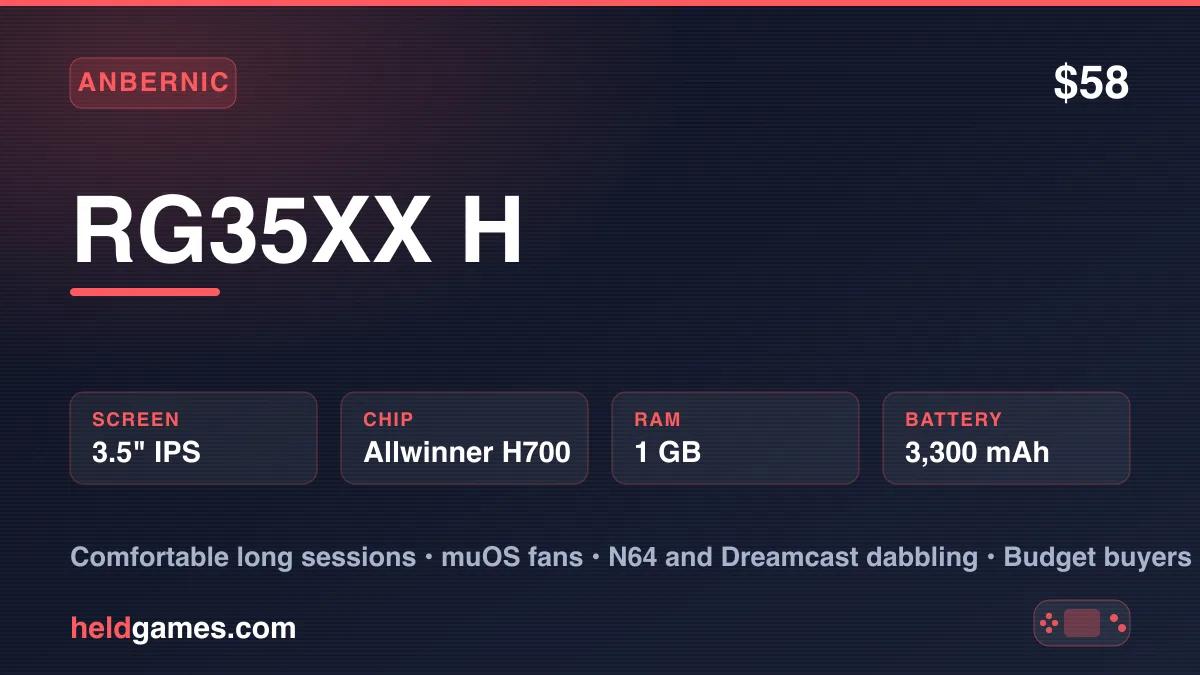
Anbernic's H700 family is the backbone of budget retro gaming, and the RG35XX H is its horizontal member. Same chip, same screen, same price class as the vertical RG35XX Plus. The difference is the body. The H stretches sideways like a Game Boy Advance, adds dual analog sticks, and gives your hands somewhere to rest.
That one design choice changes who the device is for. Here is the full picture in 2026.
Specs
| Screen | 3.5 inch IPS, 640x480, 4:3, OCA fully laminated |
| Processor | Allwinner H700 (quad-core Cortex-A53 @ 1.5 GHz) |
| GPU | Mali-G31 MP2 |
| RAM | 1 GB |
| Storage | 64GB microSD included, dual card slots, up to 512GB |
| Battery | 3,300 mAh, rated about 8 hours |
| Connectivity | 2.4/5GHz Wi-Fi, Bluetooth 4.2, USB-C, HDMI out |
| Controls | D-pad, dual low profile analog sticks, four shoulder buttons |
| OS | Anbernic stock Linux (muOS / KNULLI compatible) |
| Design | Horizontal, 145 x 69 x 16 mm, 180 g, Black / White / Purple / transparent options |
| Street price | $57.99, regular $67.99 |
Affiliate disclosure: This page contains affiliate links. As an Amazon Associate, we earn from qualifying purchases at no extra cost to you. Learn more.
The Horizontal Advantage
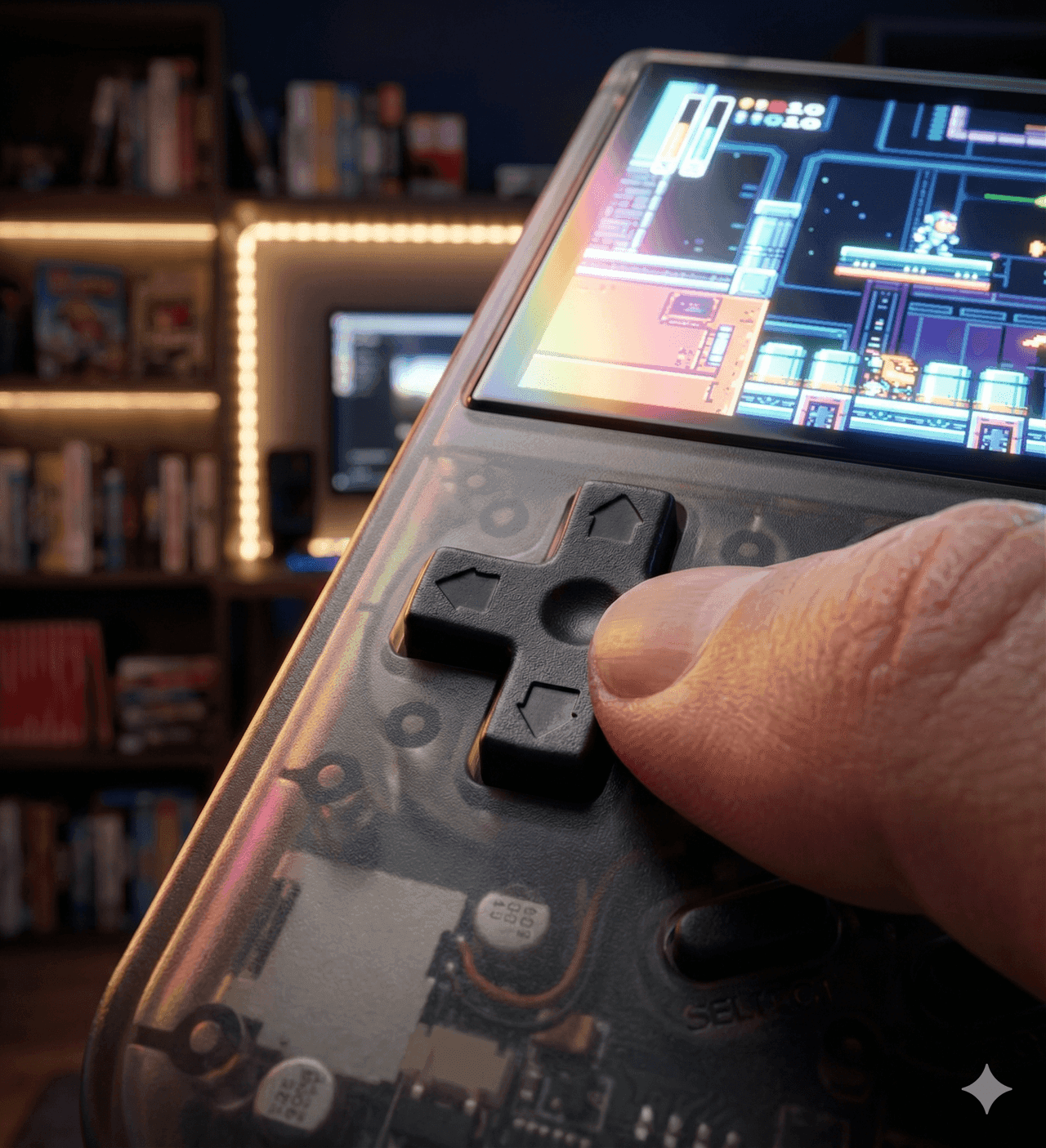
The vertical RG35XX models are wonderful pocket devices, but tall bodies get tiring in long sessions. Your hands stack under the device and your pinkies do the work. The RG35XX H fixes that. The wide body spreads your grip naturally, the shoulder buttons fall under your fingers, and an hour long RPG session feels easy.
The trade is pocketability. At 145 mm wide the H is a jacket pocket device, not a jeans pocket device. If you want the smallest possible carry, the vertical RG35XX family still wins. We break the choice down fully in our RG35XX H vs RG35XX Plus comparison.
The Screen Is Still the Star
The 3.5 inch 640x480 panel is the same class of screen that made the whole RG35XX line famous. It is a 4:3 IPS display with OCA full lamination, so pixels sit right under the glass with no hazy gap. At 640x480 you get clean integer scaling for loads of retro systems, and PS1 games look right at home.
It is not OLED and it is not high refresh. At this price nobody should expect that. For the 8 bit through PS1 library this screen is excellent.
Emulation Performance
The Allwinner H700 is a known quantity by now. It is a budget chip with well understood limits.
- NES, SNES, Genesis, Game Boy through GBA. Full speed, full stop.
- PS1. The whole library runs great. This is the comfortable ceiling.
- N64 and Dreamcast. Partial. Plenty of lighter titles run well with the right settings, and the analog sticks make them actually playable. Demanding games still struggle.
- PSP and beyond. Not this device. Step up to something like the Retroid Pocket Mini if you need PSP power.
The sticks are the practical difference from the stick-less vertical models. On a Plus, N64 is pointless. On the H, Mario 64 and a good chunk of the Dreamcast library become a real bonus on top of the core 2D experience.
muOS on the RG35XX H
This is the part most owners care about. The RG35XX H is one of the best supported devices in the muOS community, and custom firmware is the single biggest upgrade you can give it.
muOS replaces Anbernic's stock software with a fast, clean, RetroArch first experience. Boot times drop, emulator defaults improve, and you get box art scraping, proper save state management, RetroAchievements, and PortMaster for game ports that run natively on the hardware. Installation happens on a fresh microSD card, so your stock card stays untouched and you can always swap back.
Our full muOS setup guide walks through flashing and first boot step by step, and it applies directly to the RG35XX H. If you are weighing firmware options first, see muOS vs KNULLI vs Onion OS. The short version: muOS is the community favorite on this device, KNULLI is a polished alternative, and both are dramatically better than stock.
Battery and Extras
The 3,300 mAh battery is rated at about 8 hours, and real world 2D play lands in that neighborhood. Push N64 or Dreamcast and it drops, but a full day of casual play per charge is realistic. Charging is USB-C.
The extras are generous for $58. You get 2.4 and 5GHz Wi-Fi for RetroAchievements and netplay, Bluetooth 4.2 for pairing a controller, HDMI out for TV play, dual microSD slots, dual speakers, and a rumble motor. HDMI plus a paired controller quietly turns this into a tiny TV console.
Who Should Buy the RG35XX H
Buy the RG35XX H if you want the most comfortable budget Anbernic for longer sessions; you want analog sticks for N64 and Dreamcast extras; you plan to run muOS or KNULLI; you want HDMI out on a $58 device.
Skip the RG35XX H if you want a true pocket device, where the vertical RG35XX Plus fits better; you want a bigger screen, where the RG40XXV steps up to 4 inches; or you need real N64, Dreamcast, and PSP power, which means spending more on an Android device.
Two years after launch, the RG35XX H remains one of the safest first handhelds you can buy. See where it sits in the wider budget field in our best handhelds under $100 guide.
Frequently Asked Questions
How much does the Anbernic RG35XX H cost?
Anbernic sells it for $57.99 direct, with a regular price of $67.99. Other sellers tend to land in the same range.
What can the RG35XX H emulate?
Everything from 8 bit and 16 bit consoles through PS1 runs great. N64 and Dreamcast are partial, with many lighter titles playable. PSP and GameCube are beyond it.
Does the RG35XX H support muOS?
Yes, it is one of the best supported muOS devices. Flashing takes about fifteen minutes with a spare microSD card. Our muOS setup guide covers the whole process.
RG35XX H or RG35XX Plus?
Same chip and screen, different body. The H is horizontal with analog sticks and better comfort. The Plus is vertical, stickless, and more pocketable. Our full comparison breaks it down.
Does the RG35XX H have HDMI out?
Yes. Pair a Bluetooth controller and it works as a small TV emulation console.
Related Reading
The Verdict4.3 / 5
The RG35XX H is the most comfortable way to play in Anbernic's budget H700 family. You get the same sharp 3.5 inch screen and PS1 class performance as the vertical models, plus dual analog sticks and grips that suit long sessions. It runs muOS and KNULLI beautifully, and at about $58 it is one of the easiest recommendations in retro handhelds. If you want maximum pocketability go vertical. If you want comfort and a taste of N64 and Dreamcast, this is the one.
Related reading
 Review
 ComparisonReview