
Affiliate disclosure: This review contains affiliate links. As an Amazon Associate, we earn from qualifying purchases at no extra cost to you. Learn more.
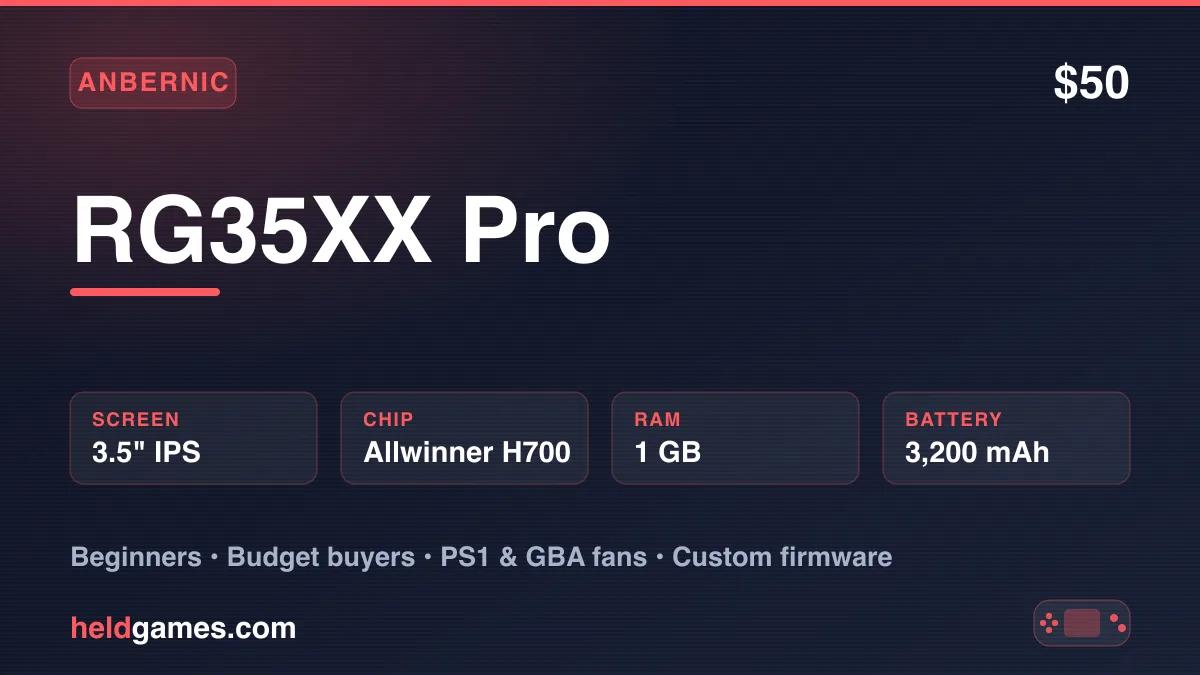
Anbernic has released a staggering number of H700-powered handhelds over the past two years, and the RG35XX Pro is the latest — and arguably the most refined — of the bunch. At just $50, it stuffs dual analog sticks, Wi-Fi, Bluetooth 4.2, and HDMI output into a vertical form factor that fits in your palm like a chunky Game Boy. The question isn't whether it's good for the money. It's whether you actually need another H700 device.
After three weeks of daily use, here's the full verdict.
Specs at a Glance
| Spec | Detail |
|---|---|
| CPU | Allwinner H700, quad-core Cortex-A53 @ 1.5 GHz |
| GPU | Mali G31 MP2 |
| RAM | 1 GB LPDDR4 |
| Display | 3.5-inch IPS, 640×480, 4:3 aspect ratio |
| Storage | MicroSD (dual TF card slots), ships with 64 GB card |
| Battery | 3,200 mAh (~5–7 hours depending on system) |
| Connectivity | 2.4/5 GHz Wi-Fi, Bluetooth 4.2, mini HDMI out |
| Controls | D-pad, ABXY, dual analog sticks, L1/R1, L2/R2 |
| OS | Linux (Anbernic stock OS) |
| Weight | ~198 g |
| Price | ~$50 |
Build Quality and Design
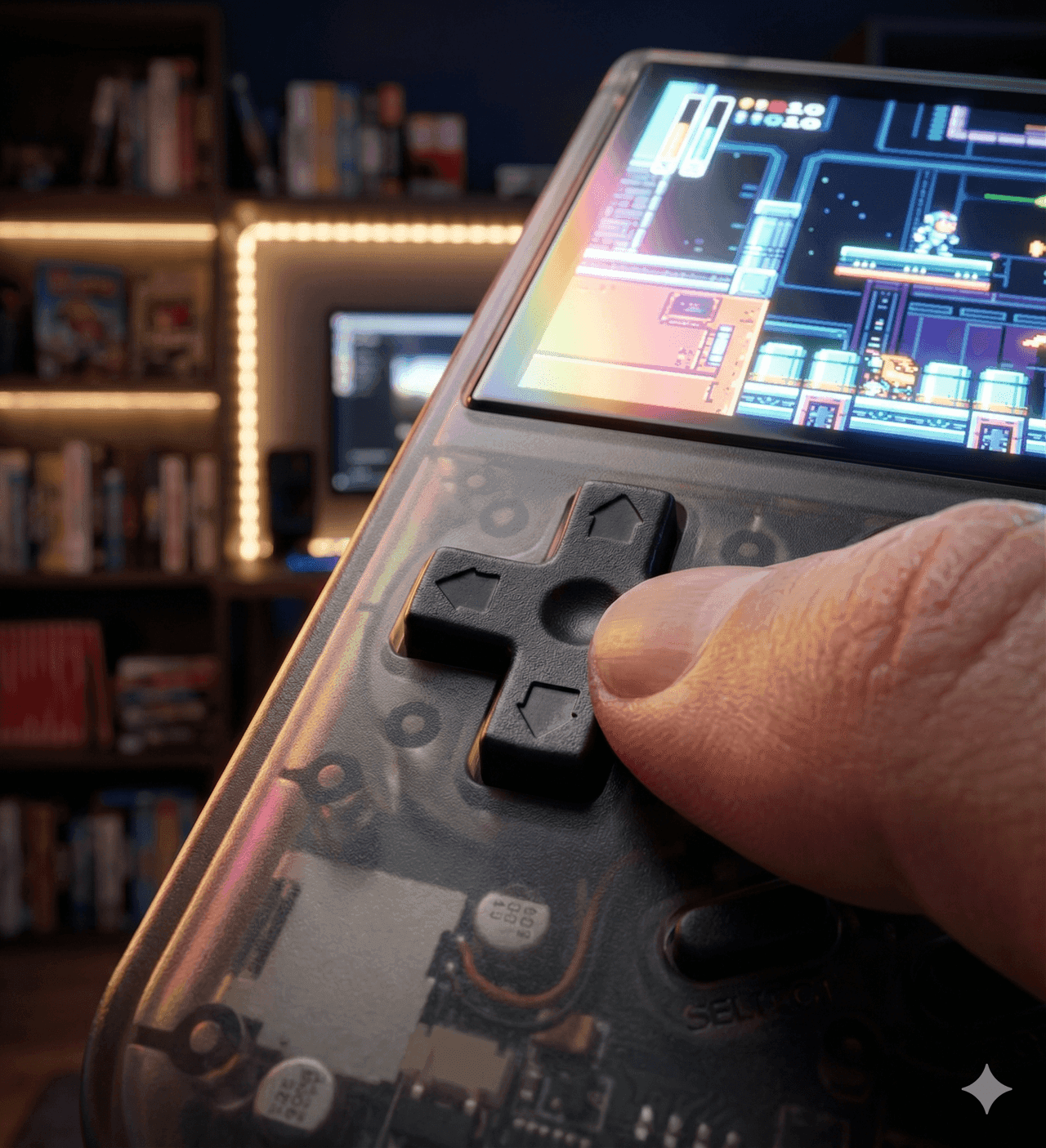
The RG35XX Pro looks like an Anbernic device, and that's not a bad thing. The transparent teal colorway is the standout option — you can see the PCB and ribbon cables through the shell, which gives it a hobbyist charm that stock black or white can't match.
At 198 grams and roughly 81 × 128 × 22 mm, it's pocketable in a jacket or cargo shorts, though it'll create a visible bulge in slim jeans. The shell is solid plastic with no flex or creaking. Buttons have a satisfying dome shape with firm tactile feedback — the same parts Anbernic has been iterating on for years. The D-pad uses a pivoting design that works well for 2D platformers and fighting games.
The dual analog sticks are compact and Switch-style, positioned at the bottom of the face. They're fine for light N64 and PS1 use, but they're small enough that extended sessions with camera-heavy 3D games get uncomfortable. The stick placement also means your thumbs share space with the D-pad and face buttons in a way that takes some getting used to.
The 3.5-inch IPS display is a known quantity from the rest of the RG35XX family. At 640×480, it's pixel-perfect for most retro content at a 4:3 ratio. Colors are vibrant, viewing angles are solid, and the OCA lamination with tempered glass protection means minimal glare and decent durability. It won't compete with the AMOLED panels on the Retroid Pocket 5 or Odin 2 Portal, but at this price point, it doesn't need to.
Performance
The Allwinner H700 is the workhorse that refuses to retire. Anbernic has built at least a dozen devices around this chip since 2023, and the community firmware support reflects that maturity.
Here's what the RG35XX Pro handles well:
Flawless (full speed, no issues): NES, SNES, Game Boy/Color/Advance, Genesis/Mega Drive, Game Gear, Neo Geo, TurboGrafx-16, PS1, most arcade titles via MAME and FinalBurn Neo.
Very good (occasional frame drops or settings tweaks needed): Dreamcast, N64 (most titles playable with the right core and settings), PSP (lighter 2D games and some 3D titles at native resolution).
Borderline or unplayable: DS (single-screen mode works for some titles, but the display is too small for dual-screen emulation), PS2 (not happening), Saturn (hit or miss — most 2D fighters work, 3D titles struggle).
The sweet spot for this device is everything up through PS1, with Dreamcast and N64 as bonus capabilities. If you're primarily playing GBA, SNES, and PS1, the RG35XX Pro delivers a buttery-smooth experience with no compromises.
Software and Firmware
The stock Anbernic OS boots fast and gets you into games within about a minute. It's not pretty — the interface looks like it was designed in 2018 — but it's functional. RetroArch comes preconfigured with sensible defaults for most systems, and transferring games is as simple as plugging in via USB-C and dragging files over.
The real magic happens when you flash custom firmware. The H700 has the most robust custom firmware ecosystem in the retro handheld space:
muOS is the community favorite for pure RetroArch-focused emulation. It's fast, clean, and supports themes that make the interface genuinely pleasant to use. If you want a no-nonsense emulation machine, muOS is the answer.
KNULLI (a Batocera fork) offers an EmulationStation frontend with box art scraping, RetroAchievements, and a more visual game browsing experience. The Gladiator II release added over-the-air updates — no more reflashing SD cards for every update.
MinUI strips everything down to the bare essentials — pick a game, play it, save-state with the power button. It's the firmware you install when you're gifting the device to someone who doesn't care about settings menus.
Not sure which to pick? We break down the differences in our muOS vs KNULLI vs Onion OS firmware comparison.
Battery Life
The 3,200 mAh battery delivers roughly 5–7 hours depending on what you're emulating. Lighter systems like GBA and SNES push toward the upper end, while Dreamcast and N64 pull it closer to 4–5 hours. USB-C charging takes about two hours from empty, and you can play while charging without issues.
For a device in this price range, battery life is competitive. It won't last a transatlantic flight on a single charge, but it handles a full day of intermittent play without anxiety.
HDMI Output and Connectivity
The mini HDMI port transforms the RG35XX Pro into a rudimentary home console. Plug it into a TV, pair a Bluetooth controller, and you've got a couch-friendly retro setup for under $50. The output is clean and lag-free for most systems, though you'll want to experiment with shaders and scaling options to get the best picture on a large display.
Wi-Fi enables RetroAchievements (if your firmware supports it), Netplay for online multiplayer, and wireless file transfers. Bluetooth 4.2 handles controllers and audio output, though audio over Bluetooth can introduce latency that matters for rhythm games.
Who Should Buy the RG35XX Pro
The RG35XX Pro is the device to buy if you want a single budget handheld that covers everything from NES to Dreamcast with room to grow through custom firmware. It's ideal as a first retro handheld, a gift for someone curious about emulation, or a dedicated pocket device for GBA and PS1 sessions.
It's less ideal if you already own another H700 device like the RG35XX Plus, RG35XX H, or RG CubeXX. The performance is effectively identical across all of them — you're paying for the form factor and the addition of dual sticks and Wi-Fi.
Who Should Look Elsewhere
If your target is PS2, GameCube, or Switch emulation, the H700 isn't powerful enough. Look at the Retroid Pocket 5 or Retroid Pocket Flip 2 for Android-powered options in the $200–250 range that can handle those systems.
If you want the smallest possible pocket device and don't care about analog sticks, the Miyoo Mini Plus is still a fantastic option with the best pocket form factor in the budget tier. We break down that matchup in our RG35XX Pro vs Miyoo Mini Plus comparison.
The Verdict
Rating: 4.5 / 5
The Anbernic RG35XX Pro doesn't reinvent the wheel — it's another H700 handheld in a market full of them. But it might be the best-rounded one yet. The combination of dual sticks, Wi-Fi, HDMI out, a great display, and unbeatable community firmware support at a $50 price point makes it the easiest recommendation in the budget tier for 2026.
Buy the Anbernic RG35XX Pro if: You want the best budget retro handheld with analog sticks, Wi-Fi, and massive custom firmware support for under $50.
Skip it if: You already own an H700 device, or your emulation targets exceed PS1/Dreamcast.
Related reading
 ReviewReview
 Comparison