
Affiliate disclosure: This page contains affiliate links. As an Amazon Associate, we earn from qualifying purchases at no extra cost to you. Learn more.
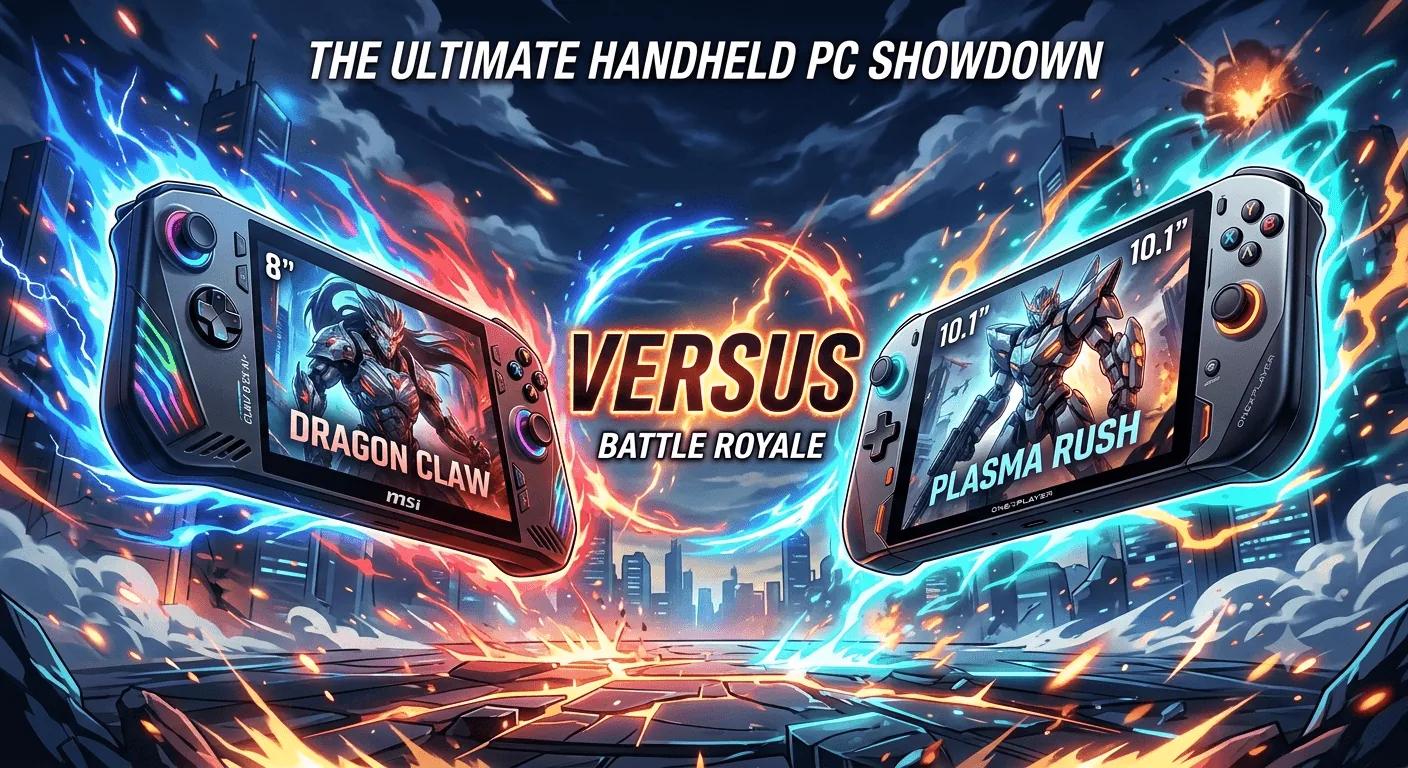
The MSI Claw 8 EX AI+ and the OneXPlayer 3 are the two devices that brought Intel's Arc G3 Extreme to handhelds. They share the same chip class, the same premium price bracket, and the same open question about Intel Arc emulation. Where they split is the body around that chip. The Claw is a fixed, one piece handheld that keeps things light. The OneXPlayer 3 pulls apart into a handheld, a tablet, and a small Windows laptop. One is focused. The other transforms.
Specs Head to Head
| Spec | MSI Claw 8 EX AI+ | OneXPlayer 3 |
|---|---|---|
| Chip | Intel Arc G3 Extreme (Arc B390 graphics) | Intel Arc G3 Extreme (Arc B390 graphics) |
| RAM | 32GB LPDDR5X | 24GB or 32GB LPDDR5X |
| Screen | 8 inch IPS-level LCD, 1920x1200, 120Hz | 8.8 inch AMOLED, 1920x1200, 144Hz |
| Storage | 1TB NVMe SSD + microSD | 512GB or 1TB (Mini SSD) + microSD |
| Battery | 80Wh | 85Wh |
| OS | Windows 11 | Windows 11 |
| Form factor | Fixed, integrated grips | Modular 3-in-1, detachable controllers |
| Weight | 785g | ~950g |
| Price | $1,699 | from $1,399 |
Performance and Emulation
This is a near tie, because both devices run the same Intel Arc G3 Extreme chip class. On raw power, expect the two to trade blows in modern PC games at native 1200p, with any real world gap coming down to cooling and power limits rather than the silicon itself.
The emulation caveat applies equally to both, and it is the reason a retro buyer should pause on either. Intel Arc graphics have historically trailed AMD for emulator compatibility, and RPCS3, the main PS3 emulator, currently lists Intel graphics as not recommended because they lack some required Vulkan features. There is no deep emulation testing on the G3 Extreme yet. Neither device has an advantage here, and neither is a safe bet for proven PS3, Switch, or Wii U emulation until Intel's drivers are tested on shipping hardware. If emulation is your priority, an AMD flagship like the ROG Xbox Ally X remains the surer choice.
Screen
The OneXPlayer 3 wins here for most people. Its 8.8 inch AMOLED runs at 1920x1200 and 144Hz with HDR, so it has deeper blacks, richer color, a slightly bigger canvas, and a higher refresh rate. The Claw 8 EX AI+ has a very good 8 inch 1200p LCD at 120Hz, but LCD cannot match AMOLED contrast.
If screen quality matters most, the OneXPlayer 3 is the clear pick. The tradeoff is that a bigger, brighter, faster panel also draws more power and adds to the weight.
Form Factor and Ergonomics
These devices take opposite approaches, and this is the real decision. The OneXPlayer 3 is modular. The controllers detach, a kickstand props it up, and a magnetic keyboard turns it into a small Windows laptop. If you want one device that games, browses, and works, that flexibility is unique.
The Claw 8 EX AI+ is fixed, and it uses that to keep things light and comfortable. At around 785g it is meaningfully lighter than the roughly 950g OneXPlayer 3, and there are fewer pieces to carry and lose. For long handheld sessions, the Claw is the easier device to simply hold and play.
Battery
The two are close, with the OneXPlayer 3's 85Wh cell edging out the Claw's 80Wh. In practice both feed power hungry chips and land in similar territory, with long runtimes in light 2D games and short ones when you push the chip to its full power mode. The OneXPlayer 3's larger battery is partly offset by its larger, higher refresh AMOLED screen, which draws more.
Value
The OneXPlayer 3 has the lower entry price, starting at $1,399 against the Claw's roughly $1,699, though its cheapest config drops to 24GB of RAM and a 512GB SSD. Match them at 32GB and 1TB and the gap narrows. You are really choosing between a bigger AMOLED and a modular design on the OneXPlayer side, and a lighter body with more RAM as standard on the Claw side.
The Verdict
Buy the MSI Claw 8 EX AI+ if: You want the same leading edge Intel chip in a lighter, more comfortable one piece handheld, you value 32GB of RAM as standard, and you do not need a tablet or laptop mode.
Buy the OneXPlayer 3 if: You want the best and biggest screen in the class, a modular device that becomes a tablet and a laptop, and you do not mind the extra weight and pieces.
Both are top-tier Windows handhelds on the same silicon, and both carry the same Intel Arc emulation question. The Claw is the focused, lighter pick. The OneXPlayer 3 is the ambitious, do-everything one. Neither is the value play, and if emulation is your main goal, look at a proven AMD flagship first.
Related reading
 ComparisonComparison
 Review