
Affiliate disclosure: This guide contains affiliate links. As an Amazon Associate, we earn from qualifying purchases at no extra cost to you. Learn more.
3D printing takes handheld modding to another level. Instead of buying whatever shells exist, you can print custom bodies, replacement buttons, ergonomic grips, and parts that are out of stock or never existed. The retro handheld community shares thousands of free designs. If you have a printer or access to one, this is a deep and rewarding rabbit hole. This guide gets you started.
We frame all of this around maintaining and improving hardware you own.
Affiliate disclosure: This page contains affiliate links. As an Amazon Associate, we earn from qualifying purchases at no extra cost to you.
What You Can Print
- Replacement buttons and D-pads when originals wear out or you want a different feel.
- Custom shells in colors and styles you cannot buy.
- Grips and back attachments for more comfortable long sessions.
- Spacers, brackets, and small parts for other mods.
- Whole DIY handhelds built around a single-board computer.
If you are new to modding in general, start with our beginner's modding guide.
Where to Find Designs
The community shares designs on free model sites. Search for your exact device name plus the part you want, such as the model name and buttons or shell. Read the comments, since other makers note print settings and fit tips. Always confirm a design lists your specific model, because parts are not universal.
Printer and Material Basics
You do not need a fancy printer. A common FDM printer handles most handheld parts.
- PLA is easy to print and fine for shells and parts that do not get hot or take heavy stress. Great for beginners.
- PETG is tougher and more heat resistant, better for buttons and parts that flex or wear.
- ABS or ASA are stronger and more heat resistant but harder to print and need ventilation.
For buttons that need a smooth feel, material choice and surface finish matter more than raw strength.
A roll of
or covers most projects. Keep filament dry for clean prints.Print Settings That Matter
- Layer height. Use a finer layer height, such as 0.12 to 0.16 mm, for buttons and visible surfaces. Coarser is fine for hidden parts.
- Orientation. Print buttons so the contact face is smooth and the visible face is up. Avoid supports on surfaces that need to feel good.
- Build surface. A smooth plate gives buttons a clean bottom face. Textured plates can be too rough for good button feel.
- Walls and infill. More walls and moderate infill make shells sturdy without warping.
- Tolerances. Small parts like button pins need tight tolerances. If a pin is too tight, sand it down a little.
Finishing Your Prints
Raw prints rarely fit perfectly the first time. A little finishing goes a long way.
- Remove blobs and supports. Trim stray bits with a hobby knife.
- Test fit dry. Check buttons and shells before any glue or final assembly.
- Sand for fit and feel. Lightly sand pins that are too tight and surfaces that should feel smooth.
- Adjust holes if needed. A modeling knife or small file can open a hole that is slightly tight.
- Optional finishing. Sanding, priming, and painting can make a print look factory-made.
A basic
handles most cleanup.Installing Printed Parts
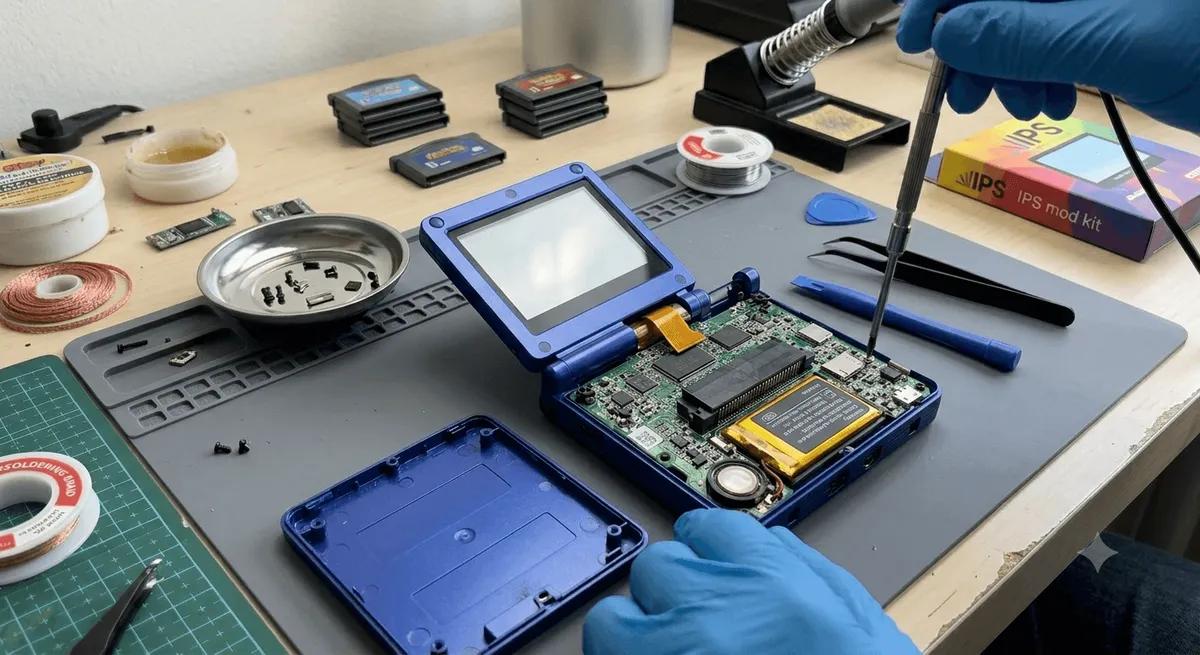
Treat printed parts like any other mod. Power off, remove storage, open the device carefully, and transfer or replace parts. Our shell swap guide covers the disassembly steps, which are the same whether the new shell is bought or printed. Respect the ribbon cables.
Tips for Better Results
- Print a small test part before a big shell to dial in tolerances.
- Keep filament dry, since wet filament prints rough and weak.
- Save designs that fit well so you can reprint worn buttons later.
- Share your settings in the comments to help the next person.
The Bottom Line
3D printing turns handheld modding from a shopping trip into a workshop. Start with a simple button reprint to learn tolerances, then move up to grips and full shells. Pair it with our shell swap and shoulder button guides for the install side, and the beginner's modding guide for the fundamentals.
Related reading
 GuideGuideGuide