
Affiliate disclosure: This review contains affiliate links. As an Amazon Associate, we earn from qualifying purchases at no extra cost to you. Learn more.
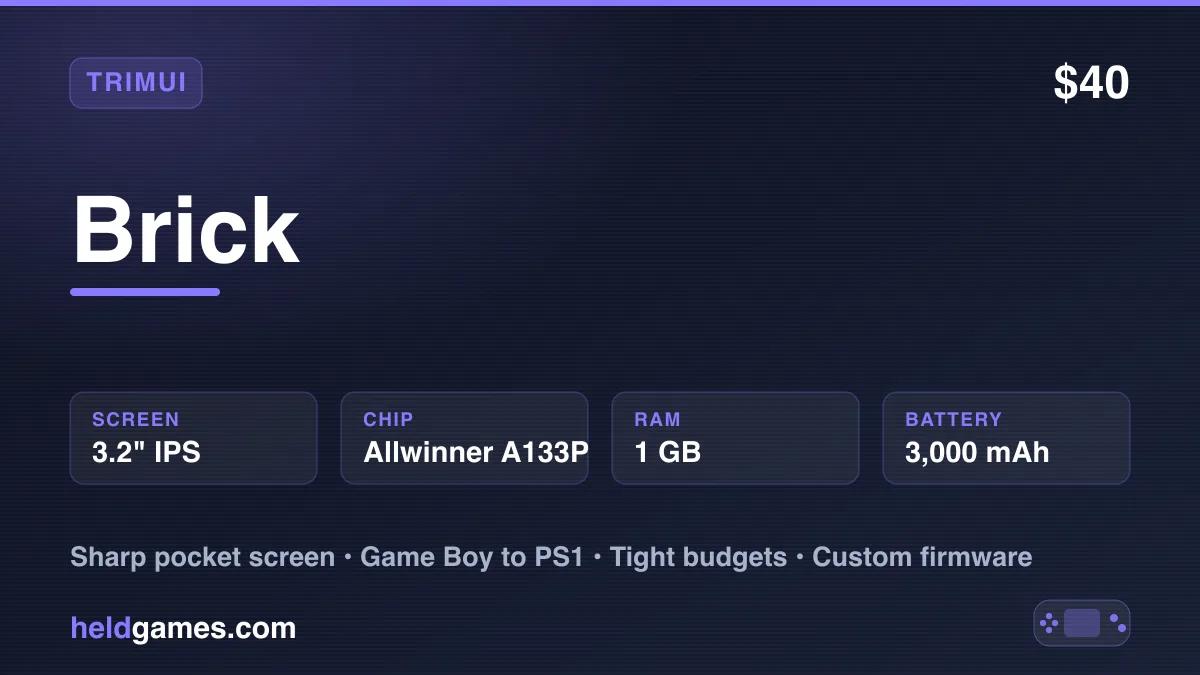
The Trimui Brick is one of the most talked about budget handhelds in recent memory, and the reason is simple. It packs a stunning 3.2 inch 1024x768 screen into a tiny, boxy body that weighs 159 grams. For pocketable retro gaming up to PS1, the Brick is a genuine standout.
A note on price, because it moves around. The Brick launched at prices near $40 and is still often found cheap on marketplaces, but the official TrimUI store now lists it closer to $75 to $85 depending on whether a microSD card is bundled. Budget somewhere in the $50 to $85 range depending on where you buy and which bundle you take.
✓ Pros
- • Exceptional 3.2 inch 1024x768 screen with very high pixel density
- • Tiny, pocketable, charming boxy design
- • Very low price
- • Strong custom firmware support including CrossMix, KNULLI, and MinUI
- • Wi-Fi for box art and RetroAchievements
- • Perfect for Game Boy, SNES, and PS1
✗ Cons
- • No analog sticks, so N64 and 3D PS1 games are limited
- • Small body is cramped for some hands
- • Tops out around PS1
- • Stock firmware is basic, so custom firmware is recommended
Build and Design
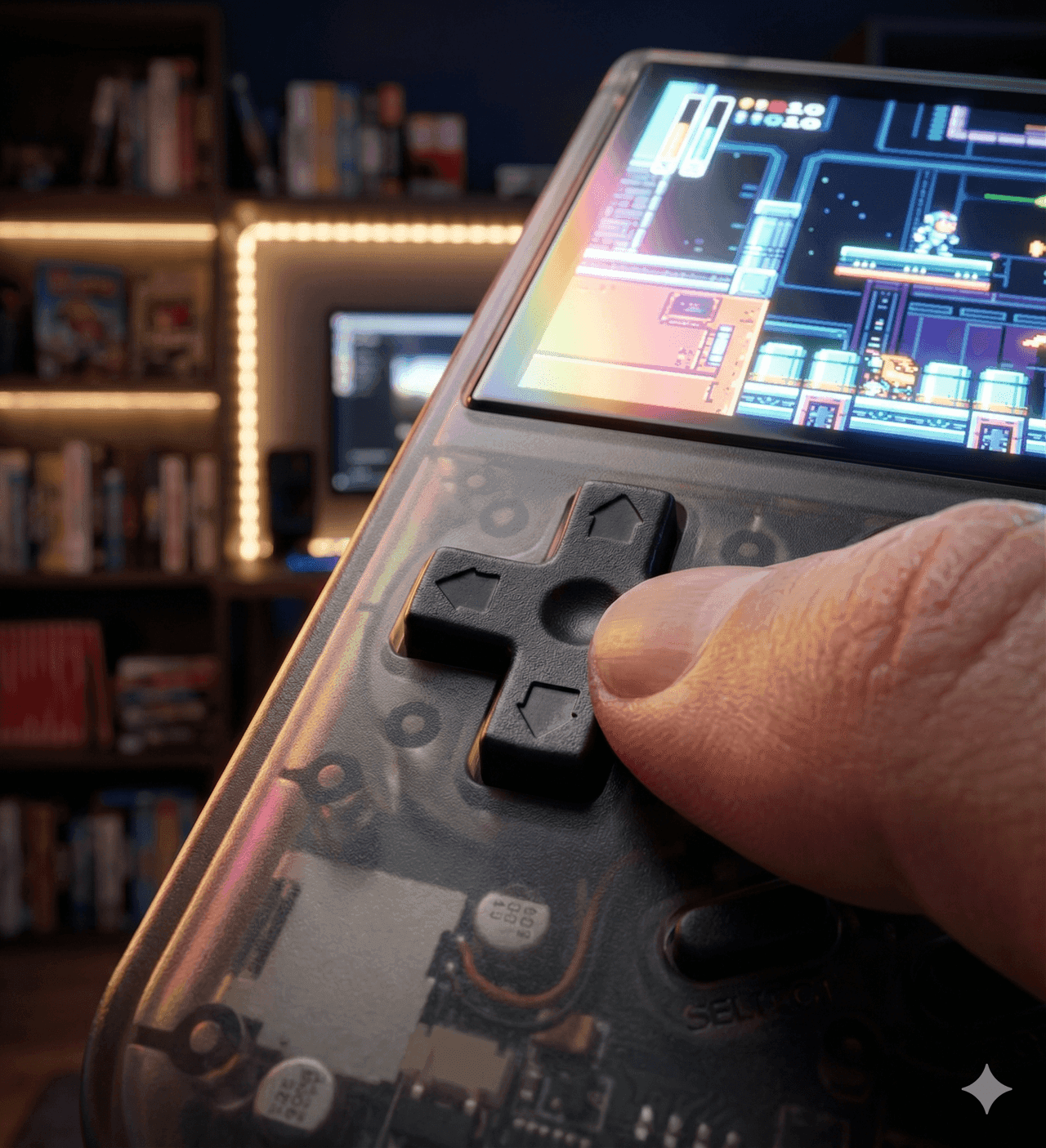
The Brick earns its name. It is a small, square, boxy device that fits easily in a pocket. The design is minimal and charming. Despite the low price, the build feels solid, with a metal back panel and eye catching RGB lights that stand out in this class. The D-pad and buttons are good for the 2D systems this device is built for.
There are no analog sticks. For a vertical pocket handheld focused on retro classics, that is an acceptable choice, but it does limit 3D games. The small size is wonderful for portability and a little cramped for larger hands.
Display
The screen is the star. It is a 3.2 inch fully laminated IPS panel at 1024x768, which works out to roughly 400 pixels per inch. Retro pixel art looks razor sharp, and the 4:3 shape matches the bulk of classic consoles. For Game Boy, SNES, Genesis, and PS1, this is one of the best looking small screens you can buy anywhere near this price.
The resolution does something genuinely useful beyond just looking sharp. At 768 pixels tall you can run clean integer scaling for most retro systems with a small border rather than stretching the image. Game Boy at 160x144 scales to exactly 5x. GBA at 240x160 scales to exactly 4x. SNES at 256x224 scales to exactly 3x. Integer scaling is what keeps pixel art free of the uneven, shimmering rows you get when a console output is stretched to an awkward panel size. Most firmware on this device gives you the option, and it is worth turning on.
Full lamination means there is no air gap between the glass and the panel, so contrast holds up better outdoors than on cheaper unlaminated screens.
Technical Specifications
| Screen | 3.2 inch IPS, 1024x768, 4:3, fully laminated, ~400 PPI |
| Processor | Allwinner A133 Plus (quad-core Cortex-A53 @ 1.8 GHz) |
| GPU | PowerVR GE8300 @ 660 MHz |
| RAM | 1GB LPDDR3 |
| Storage | 8GB eMMC built in, microSD up to 1TB |
| Battery | 3,000 mAh, up to about 5 hours |
| OS | Stock Linux (CrossMix, KNULLI, NextUI/MinUI supported) |
| Controls | D-pad and face buttons, no analog sticks |
| Connectivity | Wi-Fi 802.11 b/g/n, Bluetooth, USB-C, 3.5mm |
| Weight | 159 g |
The 1GB of LPDDR3 is worth flagging as the real constraint alongside the chip. It is enough for everything the Brick is good at and it is the reason nothing above PS1 is realistic.
Emulation Performance
The Brick uses the same budget Allwinner class chip as other small Trimui devices. It is excellent for the classics and stops around PS1.
- NES, Game Boy, GBC, GBA: Perfect.
- SNES: Flawless, including special chip titles.
- Genesis, Master System, PC Engine: Perfect.
- Arcade, CPS, Neo Geo: Excellent.
- PS1: Excellent for 2D and many 3D titles, though the lack of sticks limits some games.
- N64: Not practical without analog sticks, and the chip struggles anyway.
- Dreamcast, PSP: Not realistic on this hardware.
- GameCube, PS2, Wii: Not supported.
The Brick is a 2D powerhouse. Buy it for Game Boy through PS1, and do not expect anything above that.
Battery Life
The 3,000 mAh battery is solid for such a tiny device, and it delivers roughly 4 to 5 hours on the systems the Brick runs best. That is plenty for commutes and daily carry. It charges over USB-C, and a small power bank extends long trips easily.
Battery Life in Practice
TrimUI quotes up to about five hours from the 3,000 mAh cell, and that figure is roughly honest for the systems this device is actually good at.
In practice:
- Game Boy, NES, SNES, Genesis at moderate brightness gets close to the full five hours.
- PS1 and arcade pulls harder and lands nearer three to four.
- Wi-Fi on for box art scraping or RetroAchievements takes a noticeable bite, so leave it off when you are just playing.
Brightness is the biggest single variable. That dense screen is the most power hungry component in the device, and dropping from full to around sixty percent buys a meaningful amount of extra time without making the picture bad.
It charges over USB-C. Because the Brick draws so little current, some power banks will decide nothing is plugged in and shut off, which is a common annoyance with low draw devices. Our power bank guide explains how to avoid that.
Firmware and Software
The Brick has excellent custom firmware support, which is a big part of its appeal. The stock firmware works, but it is basic, and the community options are a genuine upgrade rather than a marginal one.
The three worth knowing:
- CrossMix OS is the popular all rounder. It keeps the stock look while adding a great deal of polish, broad emulator coverage, box art, and sensible defaults. If you want one recommendation and no research, this is it. Our CrossMix setup guide covers it.
- NextUI and MinUI take the opposite approach. They are deliberately minimal, fast, and beautiful, with a clean list based interface and excellent battery behavior. Choose this if you find most firmware cluttered and just want to pick a game and play.
- KNULLI is the full EmulationStation experience with scraped artwork, collections, per game settings, and RetroAchievements baked in. It is the most featured and the most to configure.
All three are installed the same way, by writing an image to a microSD card. Nothing overwrites the device permanently, so you can keep a card per firmware and swap to change your mind. Our firmware comparison covers the broader landscape.
Brick or Brick Pro?
TrimUI now sells the Brick Pro, which keeps the concept and grows it. The Pro moves to a 3.95 inch panel at the same 1024x768 resolution, adds a larger battery, and costs around $99.
The trade is the thing that made the original special. The Brick's whole appeal is that it is tiny, and the Pro is meaningfully bigger. If pocketability is why you are interested, stay with the original. If you found the Brick cramped and want more screen and battery, the Pro addresses exactly that. Our Brick vs Brick Pro comparison goes through it.
Trimui Brick vs Miyoo Mini Plus
The Brick's most direct rival is the Miyoo Mini Plus, the long standing budget pocket champion. The Brick brings a much sharper screen, a more modern chip, and more firmware options. The Miyoo Mini Plus counters with the polished Onion OS and a slightly larger screen. Our full Trimui Brick vs Miyoo Mini Plus comparison covers the details.
Who Is This For?
The Trimui Brick is a great fit for:
- Commuters who want a tiny, sharp screen handheld
- Game Boy, SNES, and PS1 fans who play mostly 2D games
- Budget buyers who want a lot of screen quality for very little money
- Custom firmware tinkerers who enjoy a flexible device
It is the wrong pick for anyone who needs analog sticks, N64, or long battery life.
Final Verdict
The Trimui Brick deserves the hype. The 1024x768 screen is the best part of the device by far, and at around $40 it is a remarkable value for pocketable 2D retro gaming. The missing sticks and small battery are the costs of the tiny, cheap design.
If you want the sharpest small screen in a pocket handheld and your library is Game Boy through PS1, the Brick is one of the easiest budget recommendations to make.
Frequently Asked Questions
How much does the Trimui Brick cost?
It varies by seller. The official TrimUI store lists it around $75 to $85 depending on whether a microSD card is bundled, and marketplace sellers often go lower. Budget $50 to $85.
What systems can the Trimui Brick run?
Everything from NES, Game Boy, and SNES through Genesis, PC Engine, arcade, and PS1. It stops there. N64, Dreamcast, PSP, and anything above are not realistic on the Allwinner A133 Plus with 1GB of RAM.
Does the Trimui Brick have analog sticks?
No. It has a d-pad, face buttons, and shoulder buttons only. That is fine for its 2D library but it rules out comfortable N64 and limits 3D PS1 games.
What is the best custom firmware for the Trimui Brick?
CrossMix OS is the best all round default. NextUI or MinUI suits people who want something minimal and fast. KNULLI suits people who want a full EmulationStation setup with box art and RetroAchievements.
How long does the Trimui Brick battery last?
Up to about five hours on 8 bit and 16 bit systems at moderate brightness, and closer to three or four on PS1 and arcade. Screen brightness is the biggest variable.
Is the Trimui Brick too small for adult hands?
It is genuinely small at 159 grams and a very compact body. Most people get on with it fine for shorter sessions, but if you have large hands or play for hours at a time, the larger Brick Pro or a horizontal device will be more comfortable.
Should I buy the Brick or the Brick Pro?
Buy the original if pocketability is the appeal. Buy the Brick Pro, which has a 3.95 inch screen and a bigger battery for around $99, if you want more screen and do not mind losing the tiny footprint.
Related Reading
Related reading
 ReviewReviewReview